Imagine this.
You’re standing on-site.
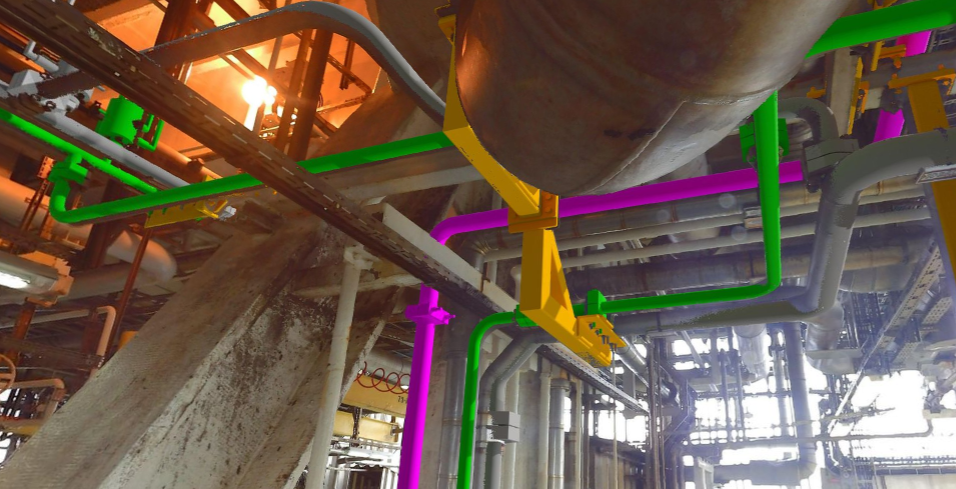
Not in front of a screen — but inside the actual space where your design is going to exist.
Walls, structures, installations — already there as a point cloud.
And your design?
Perfectly aligned with reality.
Your Designs, Always Within Reach
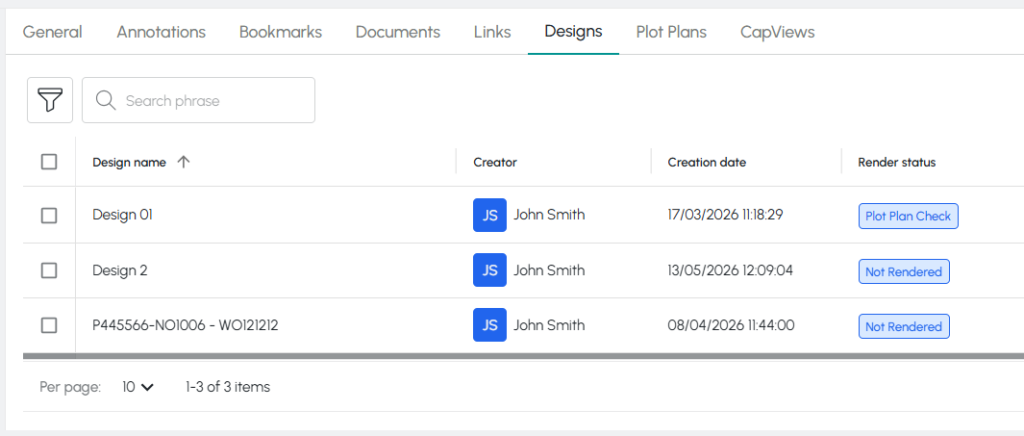
With the Design List, every design you create can be saved as a DWG file and tied directly to the objects you work with.
No searching. No version confusion.
Just one place where everything is organized and accessible.
From File to Reality: Design Imprint
Now imagine taking it one step further.
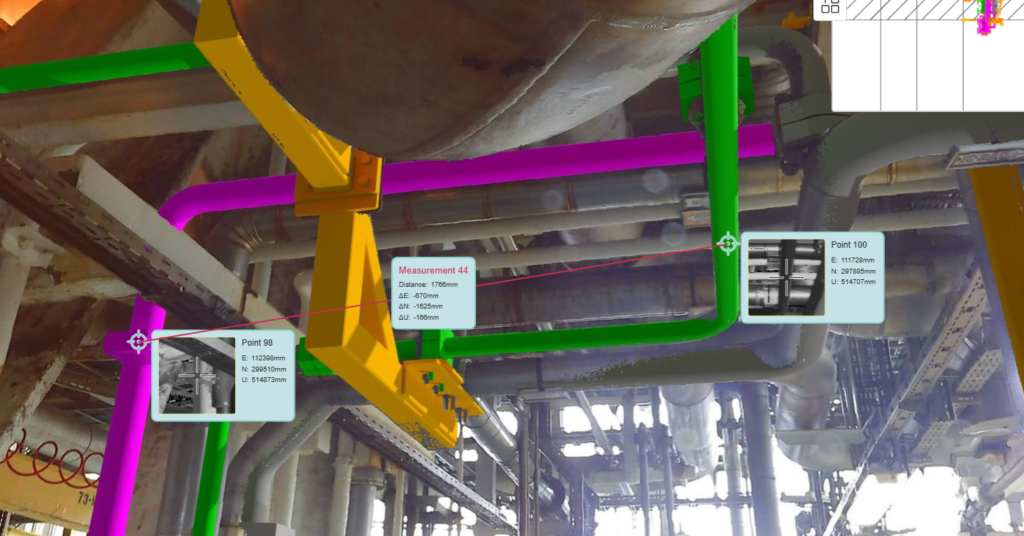
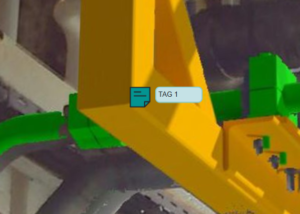
With Design Imprint, your design is no longer just a file — it becomes part of the environment.
You can:
- Render your design directly into the point cloud from a real-world perspective
- Measure distances between your design and the existing environment — or within the design itself
- Add tags and annotations to highlight key elements and decisions
Suddenly, you’re not reviewing a plan.
You’re exploring it.
Share It Instantly
Need feedback?
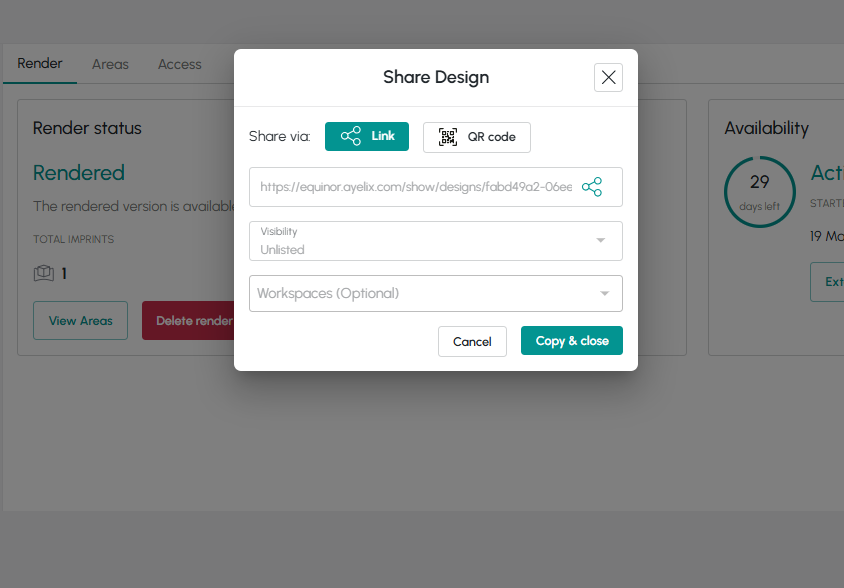
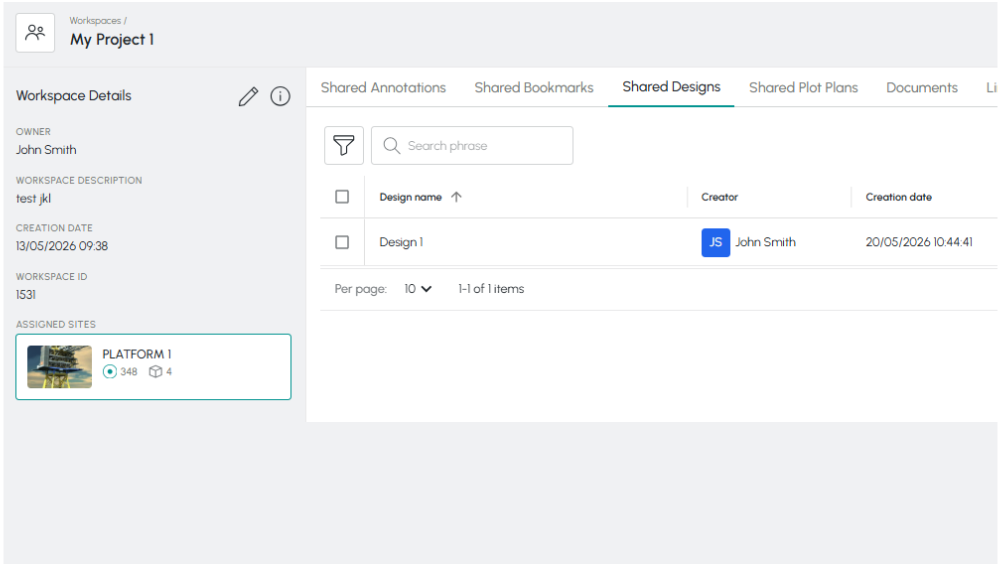
Your design can be shared in seconds:
via direct link
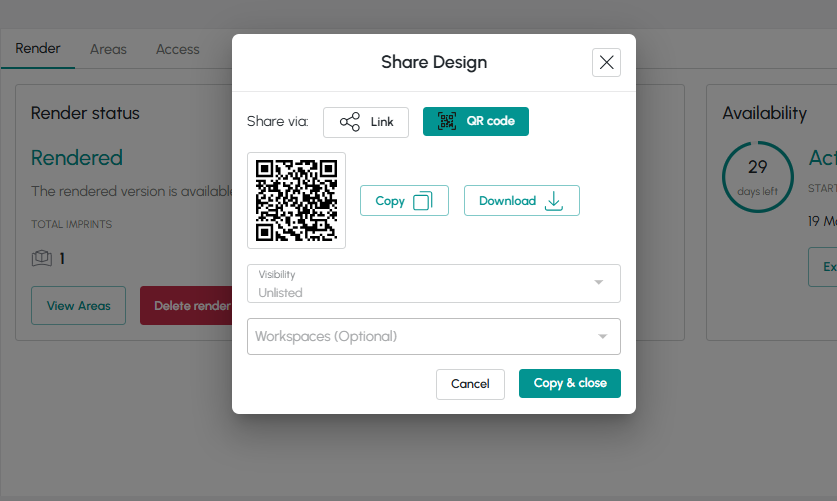
as a QR code
or inside a Workspace
No heavy files. No complicated setup.
Just instant access for your team and stakeholders.
Bringing Your Design to Life
So how do you make it happen?
- Request access to the Design Imprint feature
- Prepare your file correctly according to the guidelines
→ Improper preparation can delay or prevent rendering - Enable “Render Design”
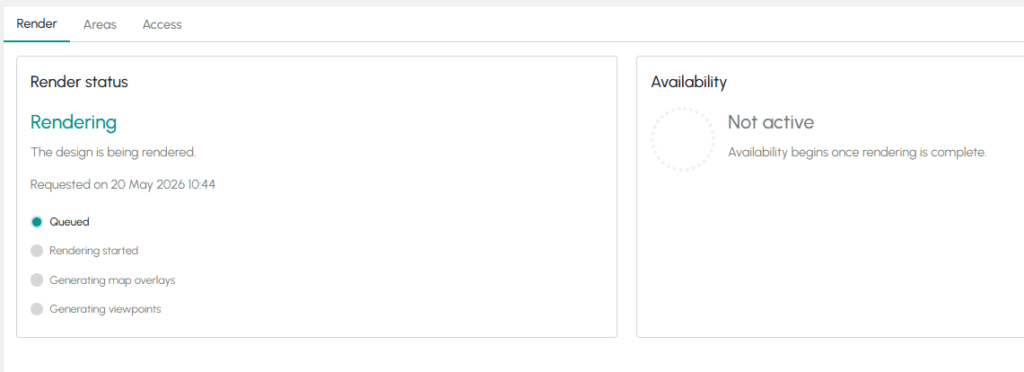
Rendering time may vary — from a few hours to several days — depending on system load.
But you’re never left guessing.
The status updates continuously, so you always know where things stand.
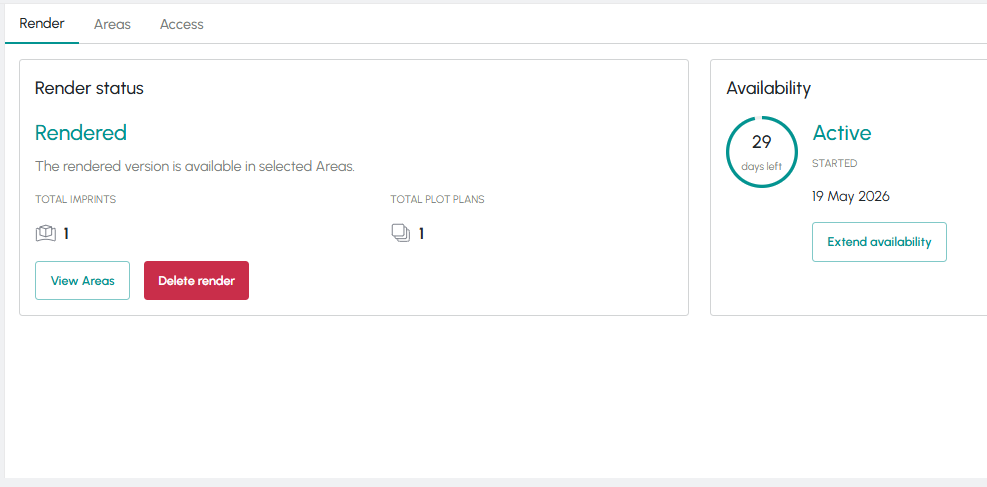
Once ready, your design becomes Active — fully available to explore.
How Long Is Your Design Available?
Each rendered design is available for 30 days.
After that:
- it changes status to Expired
- you can extend availability using Extend Time
Even after expiration, you still have a safety window:
- for the next 30 days, you can restore your design with Restore
After 60 days total, the render is permanently removed
— and you’ll need to render it again to view it.
The Result?
Fewer surprises on-site.
Better decisions, earlier.
A clearer understanding of how your design fits into reality.
Because you’re no longer imagining the result.
You’re already there.